
How to Train an AI Chatbot on PDFs, Docs, and Spreadsheets
A practical guide to turning the documents your business already has into chatbot knowledge, which file formats extract cleanly, why spreadsheets are the hard case, and how to prepare files that answer well.

Stan
@stan
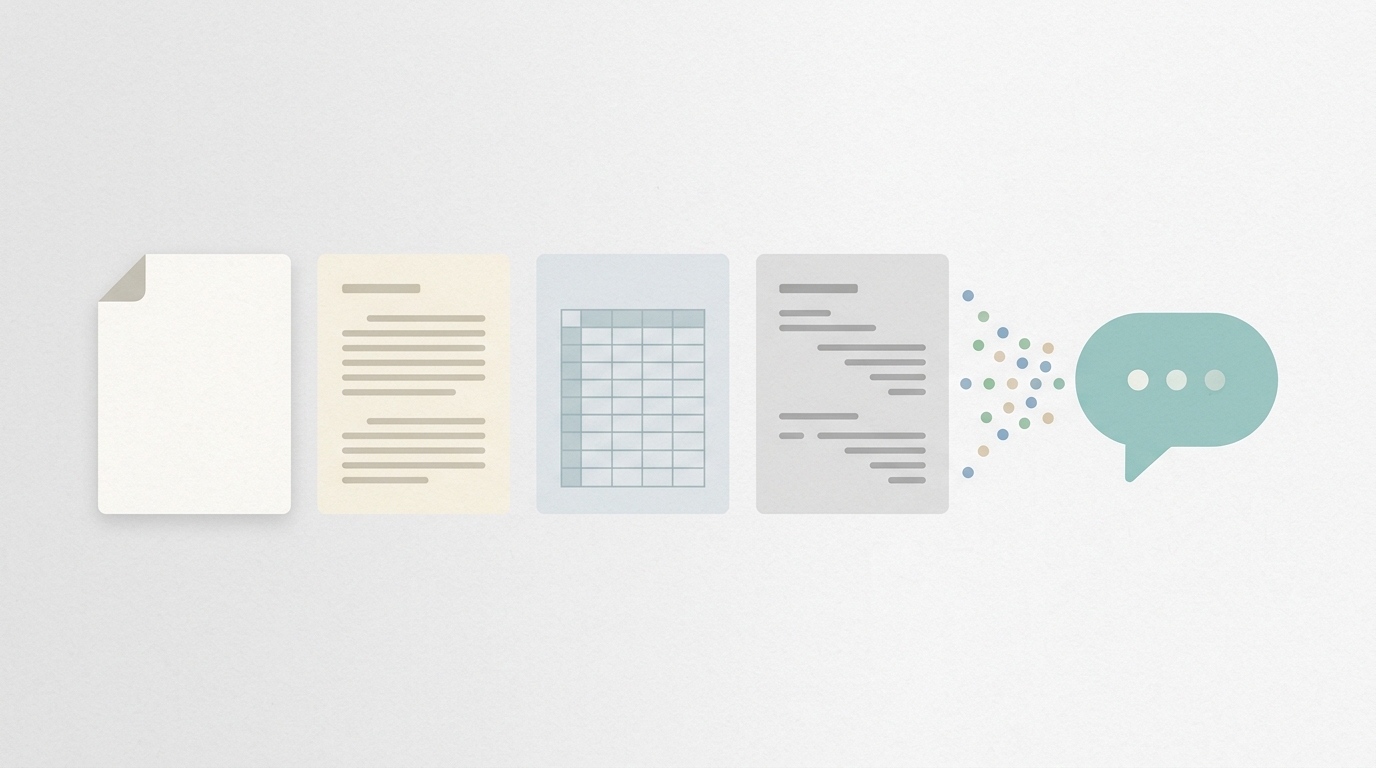
Most of what a business knows is not on its website. It sits in PDF manuals, Word documents, onboarding guides, policy files, and spreadsheets, the kind of content nobody publishes but everybody references when a customer asks a question. Research firms have measured this for years: IDC and Gartner estimates consistently put unstructured content at 80 to 90 percent of all enterprise data, and IDC's Global DataSphere work projected unstructured data would account for 80 percent of everything collected worldwide by 2025.
Where Enterprise Knowledge Actually Lives
Roughly four fifths of enterprise data is unstructured content, the documents and files a chatbot can be trained on.
Source: IDC Global DataSphere projections; IDC and Gartner industry estimates place unstructured data at 80 to 90% of enterprise data.
That is exactly the material an AI chatbot needs, and modern chatbot platforms can ingest it directly. But the three file families in this article's title are not equally easy to work with. PDFs and Word documents extract cleanly most of the time; spreadsheets are a genuinely hard case that deserves its own section. This guide covers how document training works under the hood, which formats behave, how to run the upload in practice, and how to prepare files so the bot answers precisely instead of approximately.
How File Training Actually Works
When you upload a document to a chatbot platform, the file itself is not what the AI reads at answer time. The pipeline runs in four steps:
- Extraction. The platform pulls the raw text out of the file, discarding layout, fonts, and images.
- Chunking. The text is split into passages of a few hundred words each, because retrieval works on passages rather than whole documents.
- Embedding. Each chunk is converted into a numeric vector that captures its meaning, and stored in a vector database.
- Retrieval. When a visitor asks a question, the system finds the chunks whose meaning sits closest to the question and hands them to the language model to compose an answer.
This is the retrieval-augmented generation architecture, and the practical consequence for file training is simple: anything that survives step one as clean, well-ordered text will answer well, and anything that comes out as jumbled fragments will answer badly. The full pipeline, chunking strategies included, is covered in how chatbots learn from business content.
Which Formats Extract Cleanly
| Format | Extraction quality | The catch |
|---|---|---|
| PDF (text-based) | Excellent | Multi-column layouts can scramble reading order |
| PDF (scanned) | Poor to none | The pages are images; there is no text to extract |
| Word (.doc, .docx) | Excellent | Very little; headings even help chunking |
| Plain text (.txt) | Perfect | None, but no structure to guide chunking |
| HTML | Very good | Navigation and boilerplate can leak in |
| Spreadsheets (.csv, .xlsx) | Weak | Rows lose their column context when chunked |
The pattern behind the table: formats built around sentences and paragraphs extract well, because chunking assumes prose. Formats built around grids do not, because a cell's meaning depends on its row and column headers, and naive extraction strips exactly that context away.
PDFs: The Workhorse, With One Trap
PDF is the most common training format for a reason: policies, manuals, spec sheets, and price lists already live in it. Text-based PDFs, meaning anything exported from a word processor or design tool, extract nearly perfectly.
The trap is the scanned PDF. A contract or manual that was printed and scanned back in is a sequence of photographs, and a text extractor finds nothing in it. The upload succeeds, the training completes, and the bot simply knows nothing from that file. If you can select and copy text inside your PDF viewer, the file is fine; if you cannot, run it through OCR (optical character recognition) or export a fresh PDF from the source document before uploading.
Multi-column layouts deserve a quick check too. Some extractors read straight across both columns of a two-column page, interleaving unrelated sentences. If a PDF answers strangely after training, this is the first thing to inspect.
Word Documents and Plain Text: The Easy Cases
Word documents are arguably the best training format in practice. Extraction is reliable, and the document's own structure, headings, subheadings, short paragraphs, gives the chunking step natural seams. A well-organized .docx with one topic per section routinely outperforms the same content pasted as one undifferentiated wall of text.
Plain text files extract perfectly by definition but carry no structural hints, so favor short paragraphs and blank lines between topics. If your content is a list of question-and-answer pairs, plain text in a consistent "Q: / A:" format is excellent raw material, since each pair chunks as a self-contained unit.
Spreadsheets: The Hard Case
Spreadsheets fail in a specific, predictable way. A row like PC-204 | 89 | EU, UK | 14 is meaningful only next to its header row (SKU | Price | Ships to | Return window). Chunking slices the grid into passages, the header lands in one chunk while row 3,000 lands in another, and the retrieved passage the model sees is a strip of numbers with no labels. The bot then guesses, and confidently wrong answers are worse than no answer.
Three workarounds, in order of effort:
- Flatten rows into sentences. Transform each row into prose: "Product PC-204 costs 89 euros, ships to the EU and UK, and has a 14-day return window." A spreadsheet formula or small script can generate this column, and the result trains beautifully because every fact travels with its labels.
- Convert tables into Q&A pairs. For smaller sheets, rewrite the content as the questions customers actually ask: "What is the return window for PC-204?" followed by the answer. This matches how retrieval will be queried.
- Paste as structured text. For narrow tables (two or three columns), pasting the table as labeled text into the platform's direct text input preserves enough context to work.
If the spreadsheet is really a database that changes daily, stock levels, live pricing, none of the above is the right tool; that is an integration job (a live lookup via the platform's API or an e-commerce connector), not a training job.
Uploading in Practice
In Paperchat, file training lives in the chatbot's Sources tab under Files. The uploader accepts .pdf, .doc, .docx, and .txt files; each upload is extracted, counted against your plan's storage limit, and queued for training automatically:
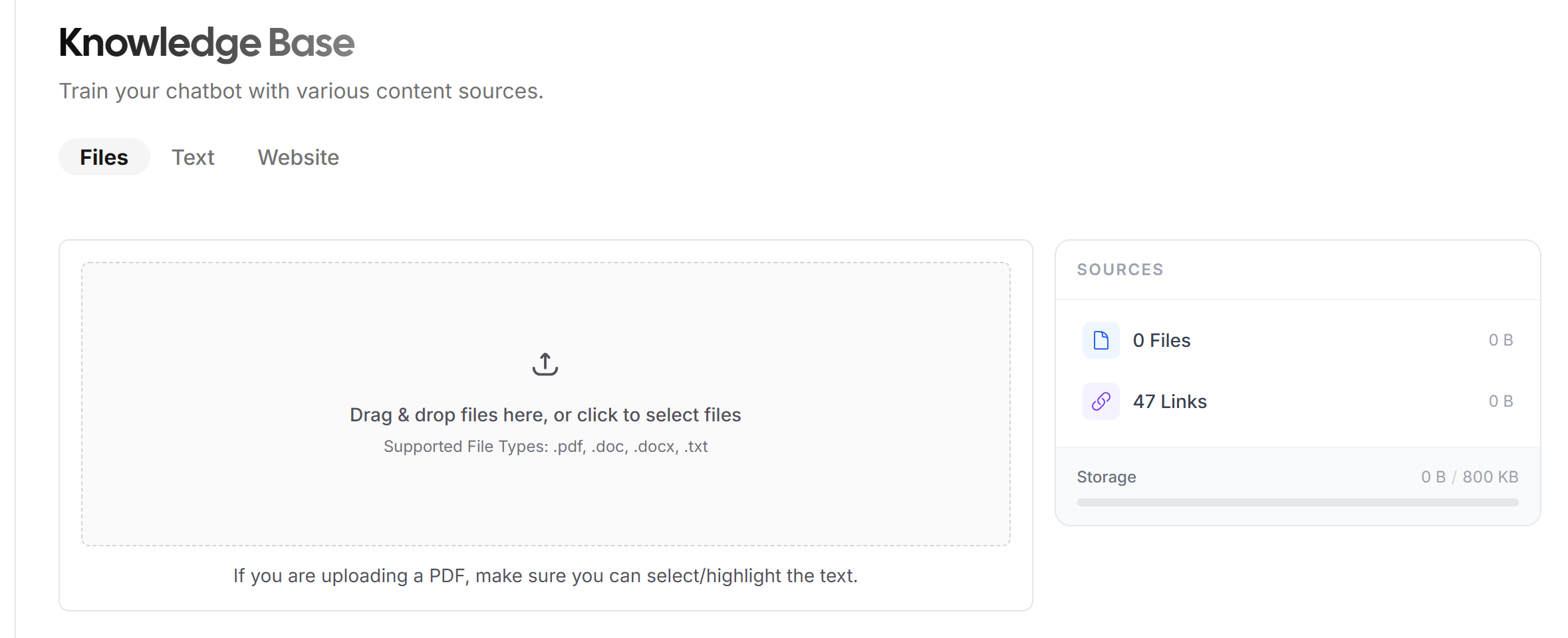
A few operational notes that apply on any platform:
- Character counts are the real limit. Plans meter extracted text, not file size on disk. A 40 MB scanned PDF may extract to nothing; a 200 KB text file may be your largest source.
- Watch the training status. A source only answers once its training run finishes. Testing thirty seconds after upload tests the old knowledge base.
- Mix sources freely. Files, crawled website pages, and pasted text all land in the same knowledge base and are retrieved together.
Preparing Documents That Answer Well
The difference between a mediocre and an excellent file-trained bot is usually thirty minutes of document preparation:
- Strip boilerplate. Cover pages, tables of contents, legal disclaimers, and repeated headers all become retrievable chunks that compete with real answers.
- One topic per section. Retrieval returns passages; a section that mixes shipping, returns, and warranty policy returns all three when asked about one.
- State facts explicitly. "We ship within 2 business days" retrieves better than a paragraph implying it. Write like the answer you want the bot to give, since your knowledge base should mirror the questions customers actually ask.
- Version and re-upload. Documents go stale the same way websites do. When a policy changes, replace the file rather than uploading a second, contradictory version alongside it, and treat file refreshes with the same discipline as keeping crawled content in sync.
The Bottom Line
The documents your business already maintains are, statistically, most of what it knows. Turning them into chatbot knowledge is a pipeline with one rule: clean text in, good answers out. PDFs work if they are text rather than scans, Word documents work almost unconditionally, and spreadsheets work once you flatten rows into labeled sentences. Prepare the files with retrieval in mind, upload them next to your crawled site content, and the bot stops being a website FAQ and starts being the colleague who has actually read the manual.
More Articles
How to Train an AI Chatbot on Your Own Business Data
Learn how to feed your website, documents, and FAQs into Paperchat so your AI chatbot answers like an expert on your business.
March 29, 2026
How AI Chatbots Actually Learn From Your Business Content
A plain-English explanation of how modern AI chatbots ingest, process, and retrieve your business content to give accurate, trustworthy answers.
April 12, 2026